The explosion of remote work in the Bay Area has turned spare bedrooms into professional home offices and utility closets into small server rooms, and both spaces have HVAC requirements that standard central air simply can't meet effectively. Dedicated mini split zones for home offices and server rooms have become one of the most common residential mini split applications in the region, driven by the combination of high equipment heat loads, the need for 24/7 cooling independent of the rest of the home, and the significant cost consequences of equipment failure from thermal damage.
This guide covers everything you need to know about sizing, configuring, and installing mini splits for these specialized applications.
Why Home Offices and Server Rooms Need Dedicated Cooling
Home offices and server closets share a critical HVAC characteristic: they generate significant heat loads in relatively small spaces, and those loads run independently of the rest of the home's schedule.
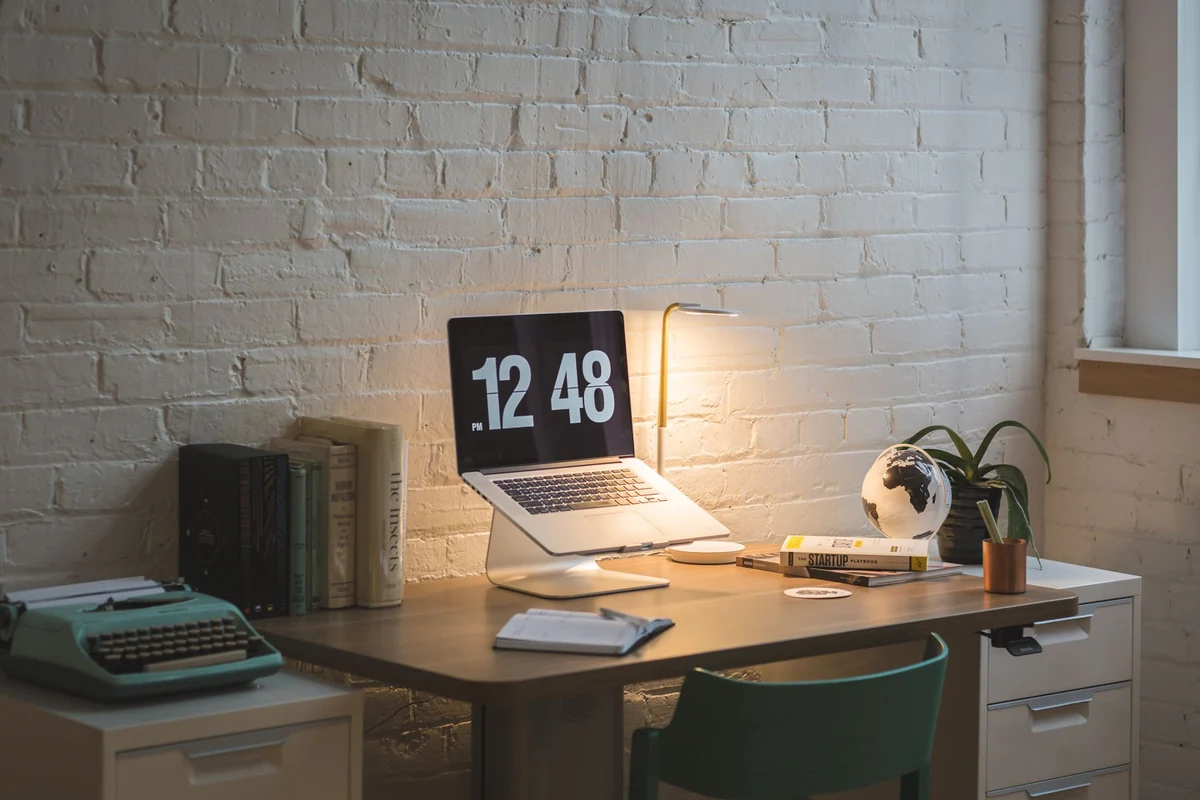
The Home Office Heat Problem
A modern home office workstation generates surprising amounts of heat:
- Desktop computer with dedicated GPU: 300-600W (1,024-2,048 BTU/hr)
- Dual monitors (27-inch): 100-150W (341-512 BTU/hr)
- Laser printer: 200-400W during operation
- Other peripherals and lighting: 100-200W
A Bay Area tech worker running a high-performance workstation, two monitors, and supporting equipment generates 700-1,400W of heat continuously during the workday, equivalent to running a portable electric space heater. In a 150-250 sq ft office, this heat gain is substantial relative to the room's volume.
Add solar heat gain through windows (west-facing offices receive 500-1,000 BTU/hr/window in afternoon sun) and occupant body heat (approximately 250 BTU/hr per person), and a well-equipped home office in San Jose or Fremont can easily require 9,000-18,000 BTU/hr of cooling during a hot afternoon.
The Server Room Thermal Challenge
Even a modest home server rack presents a serious thermal management problem:
- NAS device (4-8 drive): 30-60W
- Network switch (managed, 24-port): 25-50W
- UPS (1500VA): 25-50W at rest
- Home server (2U rack): 100-250W
- Firewall/router appliance: 20-50W
A modest home IT setup generates 200-500W continuously, 24 hours a day. In a closet or small utility room of 30-80 sq ft, this creates a severe heat concentration: an unventilated server closet can reach temperatures above 100°F within hours, well above the safe operating range for most enterprise and prosumer networking equipment (manufacturers typically specify maximum operating temperatures of 95-113°F, but performance and longevity degrade significantly above 75-80°F).
Key fact: Google's internal studies found that for every 18°F increase in server operating temperature, hard drive failure rates approximately double. For Bay Area homeowners with important data on home NAS or server equipment, maintaining cool temperatures isn't just about performance. It's about data protection and equipment longevity.
Sizing a Mini Split for These Spaces
Standard residential BTU sizing rules (based on square footage) significantly underestimate the cooling needed for high-equipment-density spaces. The correct approach adds the space's envelope load to the internal heat gain from all equipment.
Home Office Sizing Calculation
For a 200 sq ft home office in San Jose (Climate Zone 4), west-facing with one window:
- Envelope load (walls, ceiling): ~1,500 BTU/hr
- Window solar gain (west-facing, summer afternoon): ~1,200 BTU/hr
- Equipment heat load (high-end workstation): ~3,500 BTU/hr
- Occupant: ~250 BTU/hr
- Total: ~6,450 BTU/hr → Size to 9,000 BTU unit (with margin)
A north-facing office with integrated graphics (lower power consumption) might only need a 6,000-9,000 BTU unit; a south-facing office with a high-end gaming or workstation PC might need 12,000 BTU. Do the calculation for your specific setup rather than relying on generic room-size charts.
Server Room Sizing Calculation
For a 60 sq ft utility closet server room:
- Envelope load (poorly insulated interior closet, minimal): ~400 BTU/hr
- Equipment heat load (400W rack): ~1,365 BTU/hr
- Safety margin (30%): ~530 BTU/hr
- Total: ~2,300 BTU/hr → Size to 9,000 BTU (minimum available; significantly oversized but provides margin)
For server rooms, there's a case for a slightly oversized unit: oversizing provides more dehumidification (important for equipment protection) and allows the compressor to cycle off more, extending its lifespan. The energy waste from oversizing a 9,000 BTU unit where a 3,000 BTU unit would theoretically suffice is minimal at residential equipment density levels.
Pro tip: For server closets and rack rooms, choose a mini split with a dry mode or humidity setpoint feature. Maintaining relative humidity between 40-60% is critical for networking and server equipment: both very high humidity (corrosion, condensation risk) and very low humidity (static electricity damage) can harm sensitive electronics. Some premium mini splits allow setting a humidity target directly rather than just a temperature.
24/7 Operation Considerations
Server rooms require cooling around the clock, 365 days a year, including nights and weekends when the main home HVAC may be in setback mode. This affects equipment selection and installation design in important ways.
Equipment Reliability for Continuous Operation
Not all mini splits are equally well-suited to continuous 24/7 operation. Considerations for server room applications:
- Choose a brand with strong reliability data: Mitsubishi Electric and Daikin have the longest track records for continuous-duty applications. Gree's commercial-grade residential units are also appropriate.
- 10-year compressor warranty: Standard for major brands; verify before purchasing
- Consider a unit with anti-corrosion coating on the outdoor coil: Bay Area coastal locations expose outdoor units to salt air. Daikin and Mitsubishi offer factory-applied corrosion protection on outdoor coils for coastal applications
Redundancy Planning
For Bay Area tech professionals with critical home infrastructure, consider whether a backup cooling solution is warranted. Options range from a simple portable AC unit kept in reserve (a $400-$600 insurance policy) to a completely redundant mini split zone on a separate outdoor unit. For most home users, the portable AC in reserve is the pragmatic approach.
Installation Specifics for Server Rooms and Home Offices
Placement for Server Rooms
In a server closet or rack room, the indoor unit placement is critical for effective cooling:
- Mount the indoor unit above and behind the equipment racks if possible, so cooled air flows forward and down over the equipment
- Ensure no direct cold air impingement on individual components (extreme thermal cycling from direct cold air blowing on drives is harmful)
- Confirm there's adequate return airflow path: the unit needs to pull warm air from the room to cool it; a too-tightly packed closet with no air circulation around equipment will not cool well regardless of unit size
- Install a high-temperature alert (smart thermometer with push notifications) as a backup to alert you if cooling fails during off-hours
Dedicated Electrical Circuit
Mini splits require a dedicated 240V circuit with a specific amperage breaker (varies by unit, typically 15-30A for 9,000-18,000 BTU units). For server rooms that may already have significant electrical loads, verify with a licensed electrician that adding a mini split circuit won't overload your service panel. Bay Area homes built before 1980 often have 100A service that may need upgrading if you're adding multiple new dedicated circuits.
Low-Noise Operation for Home Offices
Home office mini splits need to be acoustically unobtrusive. Key noise considerations:
- Indoor unit noise ratings range from 18-35 dB(A) depending on model and fan speed; quieter units run at 19-22 dB(A) on low speed, comparable to a whisper
- Mount the indoor unit out of direct line-of-sight from the desk to reduce perceived noise
- Anti-vibration pads on outdoor unit reduce structure-borne sound transmission into the office space above or adjacent
- Inverter-driven systems running in cooling mode at partial capacity are significantly quieter than systems running at full speed, another argument for slight unit oversizing in office applications
Real-World Bay Area Applications
These configurations are common in the Bay Area market and represent well-optimized approaches for home professionals:
Software Engineer Work-from-Home Setup (Sunnyvale)
A 180 sq ft converted bedroom office with high-performance workstation, server rack in adjacent closet: 2-zone mini split system: 12,000 BTU for the office, 9,000 BTU for the server closet, both fed by a single 24,000 BTU outdoor unit. Total installed cost: ~$6,500. The server closet zone runs 24/7 year-round; the office zone runs during work hours. Annual energy cost for both zones: ~$280.
Home-Based Financial Services Office (San Jose)
A 250 sq ft dedicated home office in a 1970s ranch house with poor attic insulation and south-facing windows: single-zone 18,000 BTU unit with 22 SEER2 rating. Handles the combined solar and equipment load even on 100°F days. The homeowner reports never having the office above 74°F during summer work hours.
Ductless mini splits are the clear best choice for home offices and server rooms in the Bay Area. They provide the independent, reliable, precisely controlled cooling these spaces need without forcing you to overcool the entire house during off-hours. When sized correctly for the actual heat load and installed with appropriate attention to airflow patterns, a dedicated mini split zone for your home office or server room protects your equipment, your productivity, and your peace of mind.